
Services / Website Maintenance
Website maintenance
Updates, backups and fixes, handled every month.
Our website maintenance plans keep your WordPress or Shopify site updated, backed up and working, so you can stop worrying about it.
- BackupsA full copy of your site, stored off the server.
- Plugin and theme updatesChecked before and after.
- Uptime monitoringWe get an alert if your site goes down.
- Security scanLooking for malware and weak spots.
- Speed checkOn mobile and desktop.
- Forms and links testedSo enquiries keep arriving.
- Small changesText, images or prices, within your plan’s time.
- Short reportWhat we did, in plain words.
- You message usEmail or WhatsApp.
- We check logs and backupsTo find what changed.
- Fix or roll backGetting the site working comes first.
- We explain what happenedAnd how to avoid it next time.
- Plan the changeAgreed with you first.
- Test on a copyA staging site, not your live one.
- Go liveAt a quiet time.
- Backup before and afterSo nothing is lost.
The difference
Looking after a website, two ways.
This is how updates often go when nobody is in charge of them. Switch it over to see it with a plan.
23 updates available…
- Click “Update all” and hope
- Site shows a white screen
- Look for the last backup
- There isn’t one
- Call around for a developer
- Lose a week of enquiries
What’s left for you: read the monthly report. Updates and backups are handled.
What we do
What our website maintenance covers.
Updates
WordPress, plugins and themes, checked before and after.
Backups
Regular backups stored away from your server.
Security
Scans, firewall settings and login protection.
Uptime monitoring
We get an alert if your site goes down.
Small changes
Text, images, prices and team updates each month.
Monthly report
What we did and anything you should know.
Examples
What website maintenance looks like.
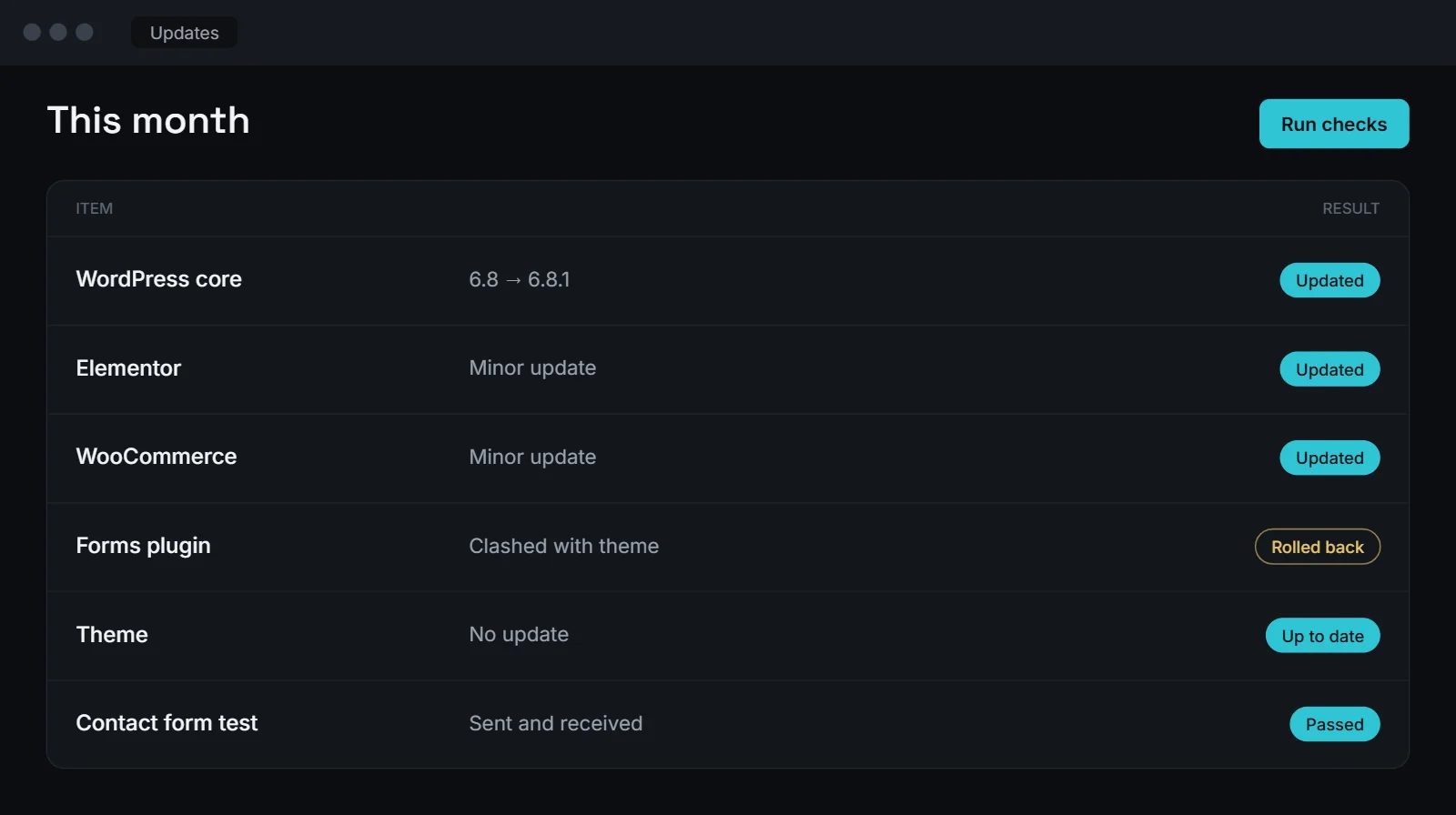
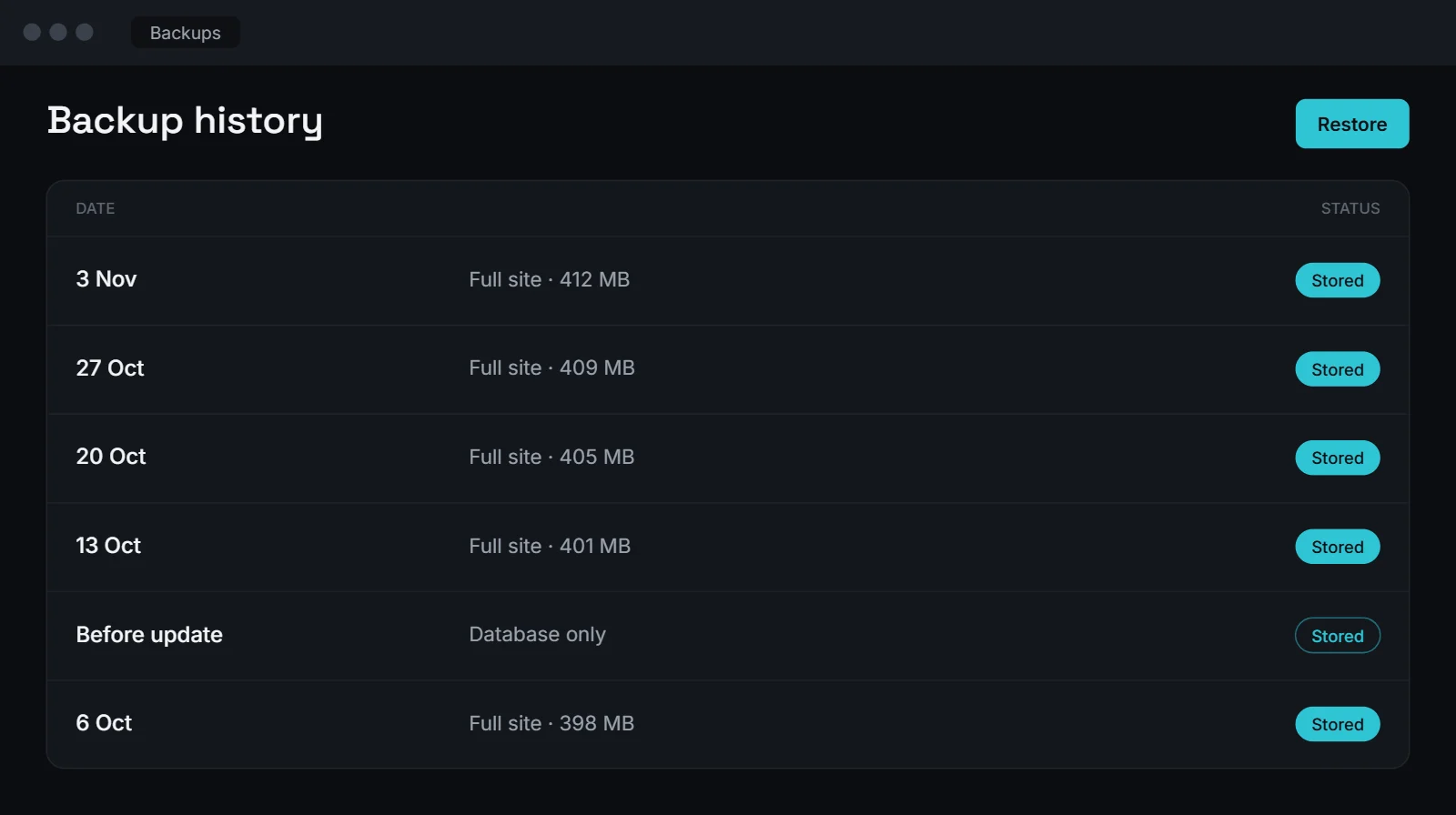
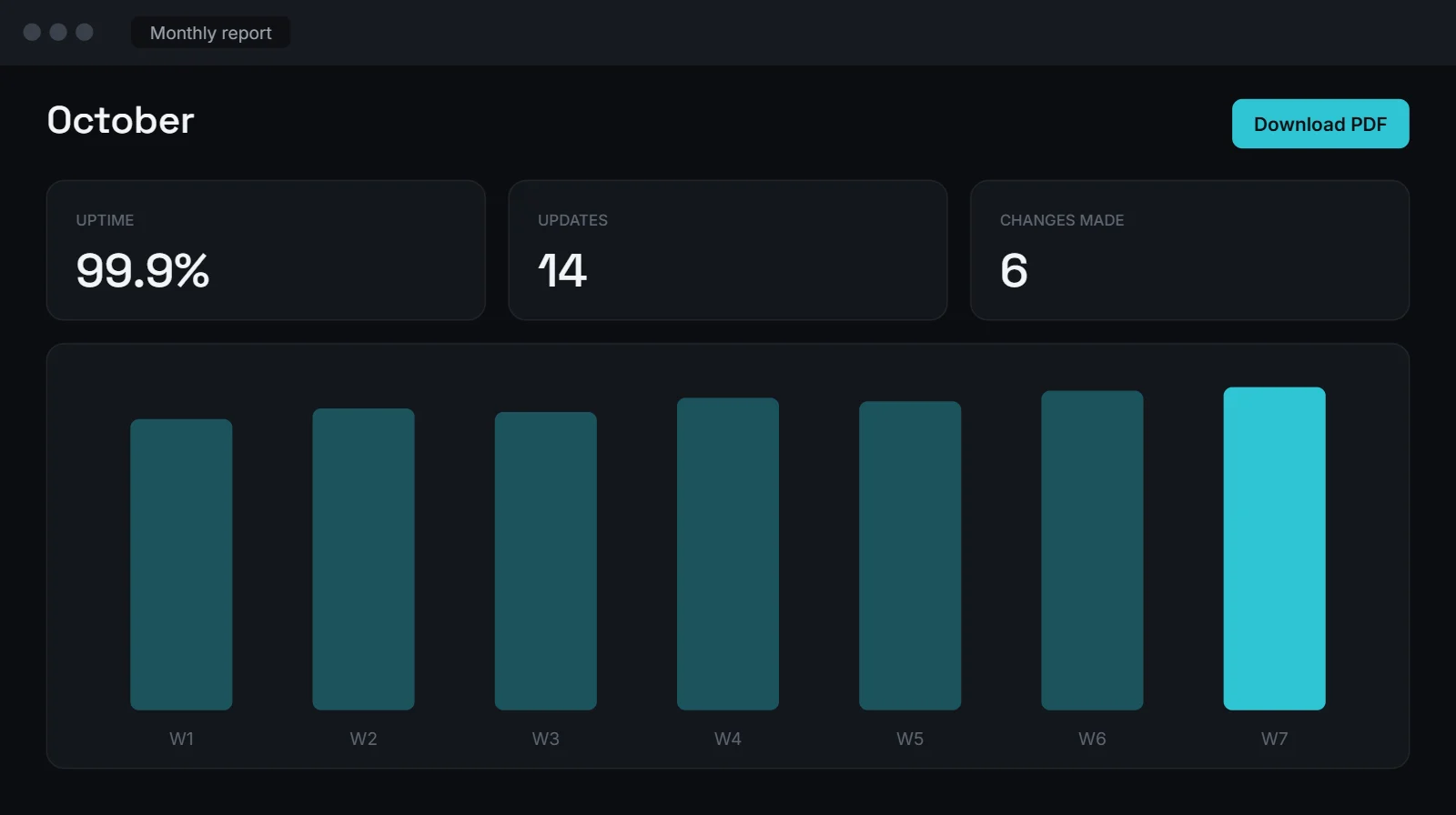
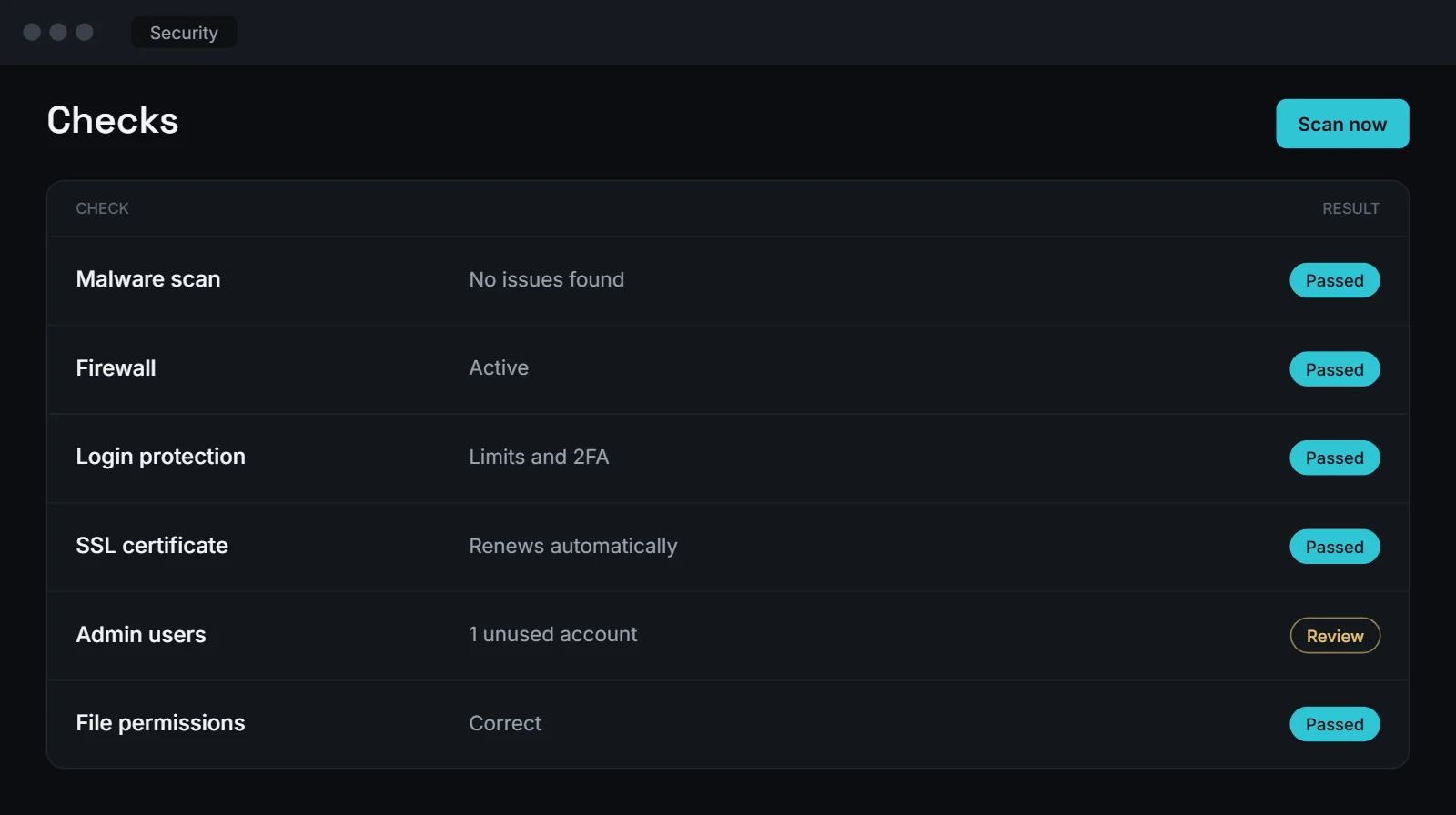
Example screens with sample data.
Tools we work with
Tools we use to keep sites healthy.
We work with your existing hosting, or suggest a better host if your site keeps slowing down.
Which one do you need?
Maintenance or a redesign? Here’s the short version.
Website maintenance
Keeps your current site updated, secure and working.
Business Websites
A new design and structure when your current site no longer fits.
See Business Websites →In plain words
How our website maintenance works
What is website maintenance?
Website maintenance is the ongoing work that keeps a site running: updating WordPress, plugins and themes, taking backups, checking security and fixing things when they break. Without it, small issues build up until something stops working.
Why updates need care
Updates fix security holes, but they can also clash with each other. We back up your site first, update, then check key pages and forms. If something breaks, we roll back and fix it before trying again. WordPress recommends keeping everything up to date for exactly this reason.
Sites we didn’t build
We look after sites built by other developers too. We start with a health check, tell you what we find and fix urgent issues before the plan begins.
Small changes included
Each website maintenance plan includes time for small changes, like updating text, swapping images, adding a team member or changing prices. Bigger changes, like new pages or features, are quoted separately. Not sure whether something counts as a small change? Just ask. We’ll tell you before we start, so you always know what’s covered and what isn’t.
How often we check your site
Backups and uptime checks run every week, and some sites need daily backups, like online stores that take orders all day. Updates are done in batches, after we check that each one works with your theme and plugins. Every month we test your forms, look for broken links and run a speed check on mobile. If anything looks wrong between checks, monitoring tells us first, so we can start fixing it before your customers notice.
Looking after systems and automations
If we’ve built a system or automation for you, maintenance can include checking those too. See custom business systems and AI automation, or read how we work on our about page.
Process
Four steps, start to finish.
Questions
About website maintenance
What’s included in website maintenance?
Updates, backups, security checks, uptime monitoring, small changes and a monthly report.
Do you maintain sites you didn’t build?
Yes. Website maintenance starts with a health check, and we fix anything urgent first.
What if my site gets hacked?
We restore a clean backup where one exists, find the cause and tighten security.
Do you work with Shopify sites?
Yes. Shopify handles its own core updates, so plans focus on apps, theme changes and checks.
How much does website maintenance cost?
It depends on the size of your site and how many changes you need each month. After a short call we send a clear quote.
Worried about your website?
Let us take a look.
Send us your link and we’ll tell you what needs attention.